
End User Support
Get help with your Mideye authentication methods and troubleshooting
Get help with Mideye multi-factor authentication (MFA). Troubleshoot SMS-OTP delivery issues, set up the Mideye+ app, or resolve hardware token problems with our step-by-step guides.
Mobile phone users
If one-time password delivery fails, make sure your phone has network coverage. Also, try a phone re-start (power off / power on).
Read more
Mideye+
A mobile phone app, primarily relying on data push for communication with the central system. An offline signature function enables login also when there is no network coverage. Available for Android and iPhone, mobile phone users can choose to activate Mideye+ at their own discretion.
Read more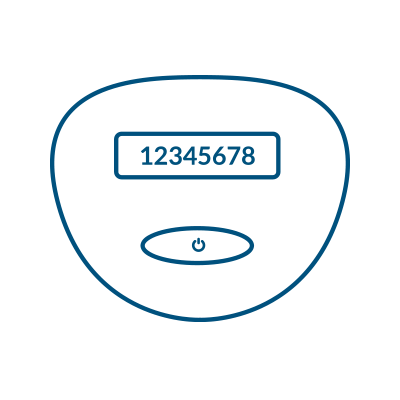
Mini token users
To obtain a one-time password (OTP), press and hold the button of your token card until an 8-digit OTP appears on the display.
Token user guide
YubiKey users
A USB hardware token that generates one-time passwords with a simple touch. No batteries, no software — plug in and authenticate.
Read more