
Mideye+
One-tap authentication that works everywhere — even offline
Upgrade from SMS to push notifications — without changing anything on your servers. Users activate Mideye+ themselves, and authentication switches to instant push. If push fails, it falls back to SMS automatically.
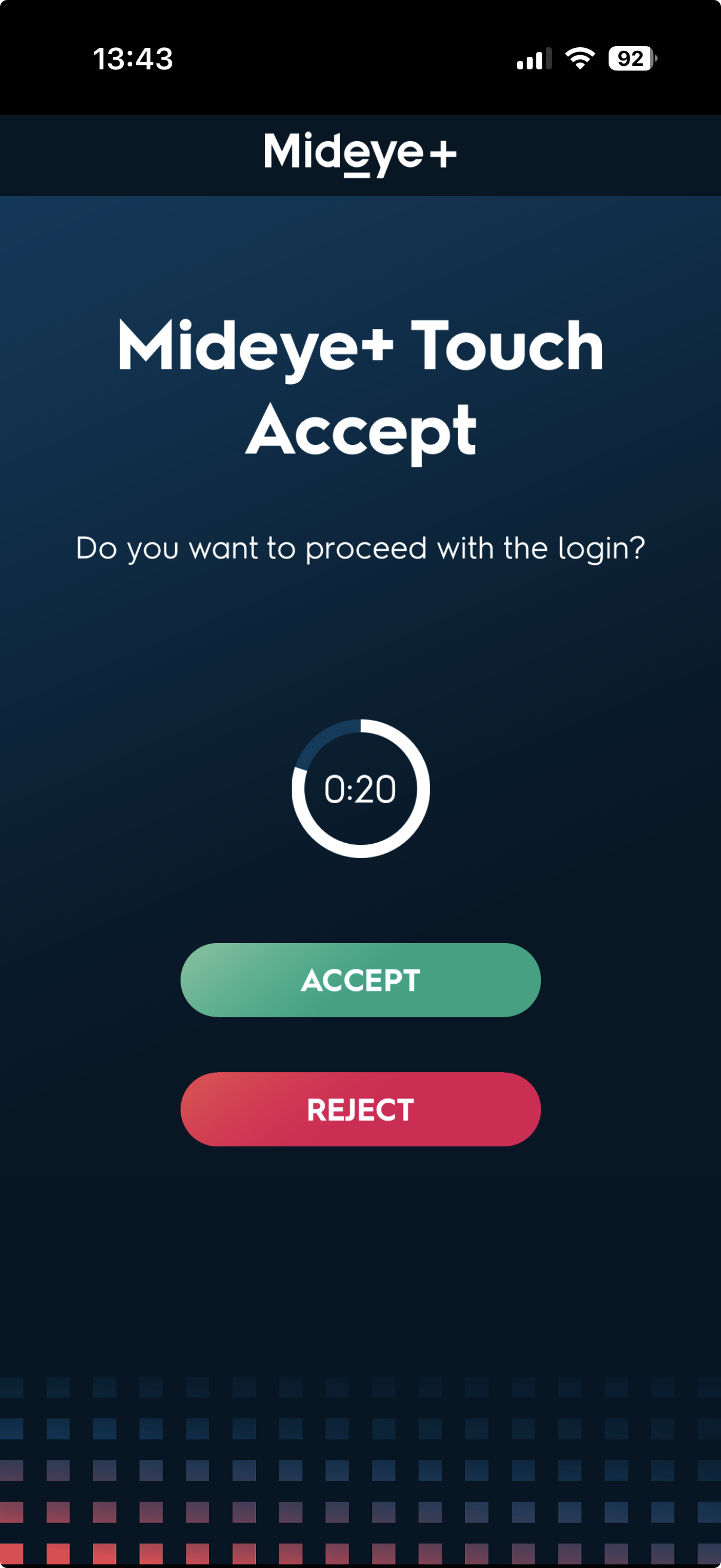
Touch-Accept
Login request appears on your phone. One tap to approve. No codes to type, no waiting for SMS.
How Does Mideye+ Work?
Touch-Accept
Push notification appears → Tap "Approve" → Done. Takes 2 seconds. Works over WiFi or mobile data.
OTP Mode
Click ecrypted SMS link → Open app → Copy 6-digit code → Enter at login. Falls back to this if push delivery fails.
Offline Signature
Challenge-response authentication that works without network connectivity. Perfect for air-gapped environments. Similar to hardware tokens but on your phone.
No network? No problem. Generate a valid OTP directly in the app. Works in airplane mode, basements, abroad.
Why Do Users Love Mideye+?
Faster Than SMS
Push arrives instantly. No more waiting 30+ seconds for a text.
Works Without Signal
Offline signatures help ensure access even with no cell service.
More Secure
Push + cryptographic binding is stronger than SMS.
Self-Service
Users activate themselves. Zero IT tickets. Automatic provisioning.
Automatic Fallback
Mideye+ is an upgrade layer on top of SMS-OTP. If push fails for any reason, authentication automatically falls back to SMS to help ensure access.
What Do IT Administrators Need to Know?
- No server changes: Mideye+ works with your existing Mideye Server installation. Nothing to deploy.
- No AD changes: User self-registers their phone. No schema modifications, no additional attributes.
- Central management: Provisioning, lifecycle, and revocation handled by Mideye central service.
- Audit trail: All activations, authentications, and deactivations logged.
Get Mideye+ for your users
📦 Direct APK download for regions without Google Play