

Configure RADIUS Disconnect Messages (CoA)
Overview
Section titled “Overview”RADIUS Disconnect Messages allow administrators to terminate active VPN or network sessions remotely. When combined with Assisted Login, approvers can disconnect users directly from the Mideye+ mobile app.
Requirements:
| Requirement | Details |
|---|---|
| Protocol | RFC 3576 Dynamic Authorization Extensions |
| VPN support | Cisco AnyConnect, Pulse Secure, and compatible clients |
| Cloud access | TCP/443 to mas.mideyecloud.se |
If the RADIUS client have support for RADIUS Disconnect-Messages (According to Dynamic Authorization Extensions RFC 3576), the Mideye Server can send a Disconnect-request to the RADIUS client. This can be enabled on each RADIUS client in the Mideye-server on the Assisted Login profile. If Assisted Login should be enabled on the RADIUS client choose a Assisted Login Profile, otherwise leave it blank.
- mas.prod.mideye.com: 74.241.167.223
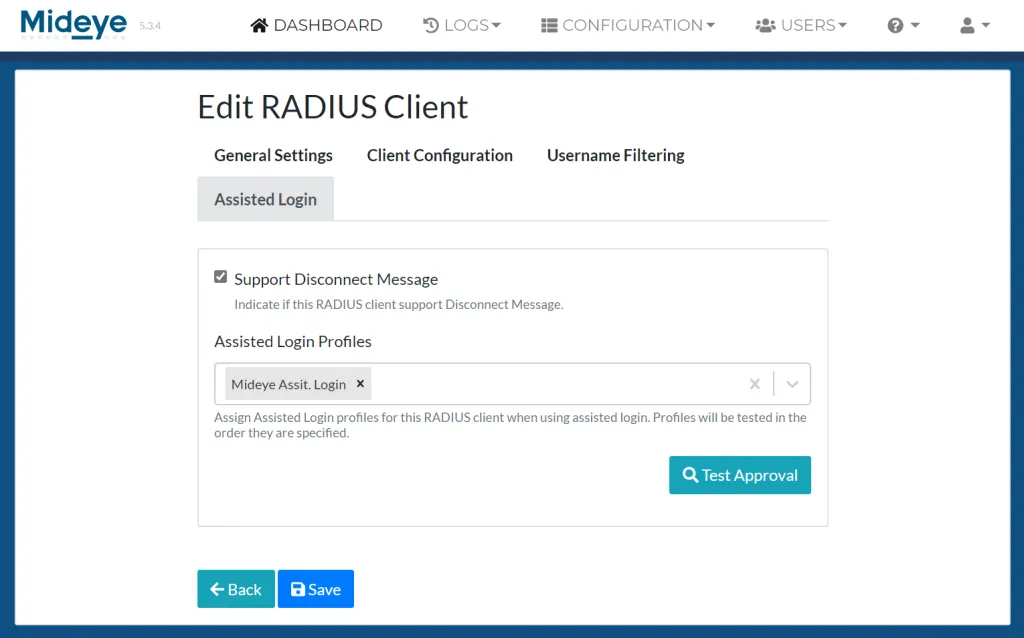
Enable RADIUS Disconnect Messages from RADIUS Clients
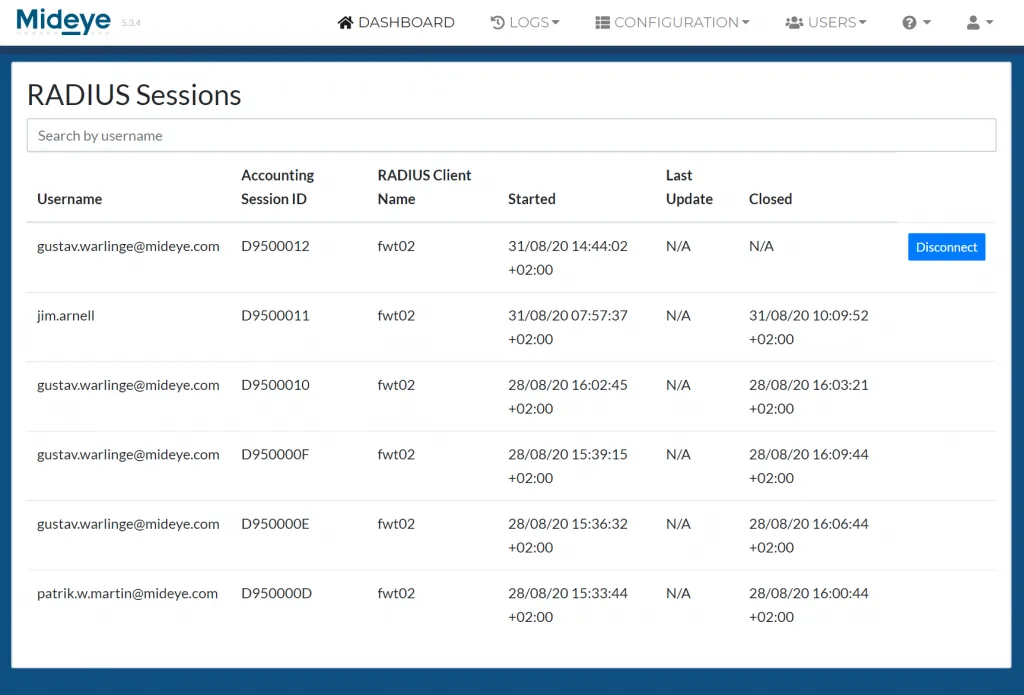
RADIUS client with RADIUS Disconnect Messages enabled.