Configure Mideye Switch Cloud Connection
Overview
Section titled “Overview”The Mideye Switch is the cloud service that delivers OTPs via SMS and push notifications to the Mideye+ app. Each customer has a unique TCP port for secure communication.
Switch Configuration
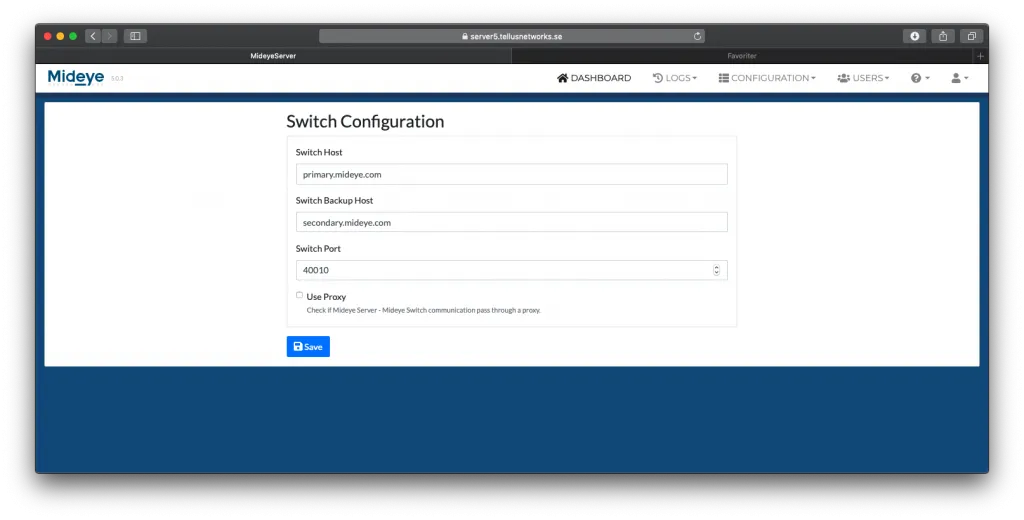
Section titled “Switch Configuration”The Switch configuration tab is the settings for all outgoing connections between the Mideye Server and Mideye central cloud service. The switch port is a customer-specific port, that will be obtained from the Mideye Support.
The switch hosts should normally not be changed. However, if the Mideye Server can not lookup hostnames, IP addresses can be added instead.
To change the hostname of the Switch Configuration navigate to Configuration → Switch Configuration.
Replace:
primary.mideye.com with 217.151.192.84
secondary.mideye.com with 79.136.112.54
and save the changes.